| Version 2 (modified by sdanthin, 6 years ago) (diff) |
|---|
Script Builder tutorial
OUTLINE

Background
  Prerequisites: What the Simulation Manager does.
  How an incident script is structured.
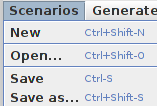
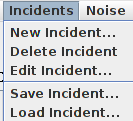
  Major script builder features.

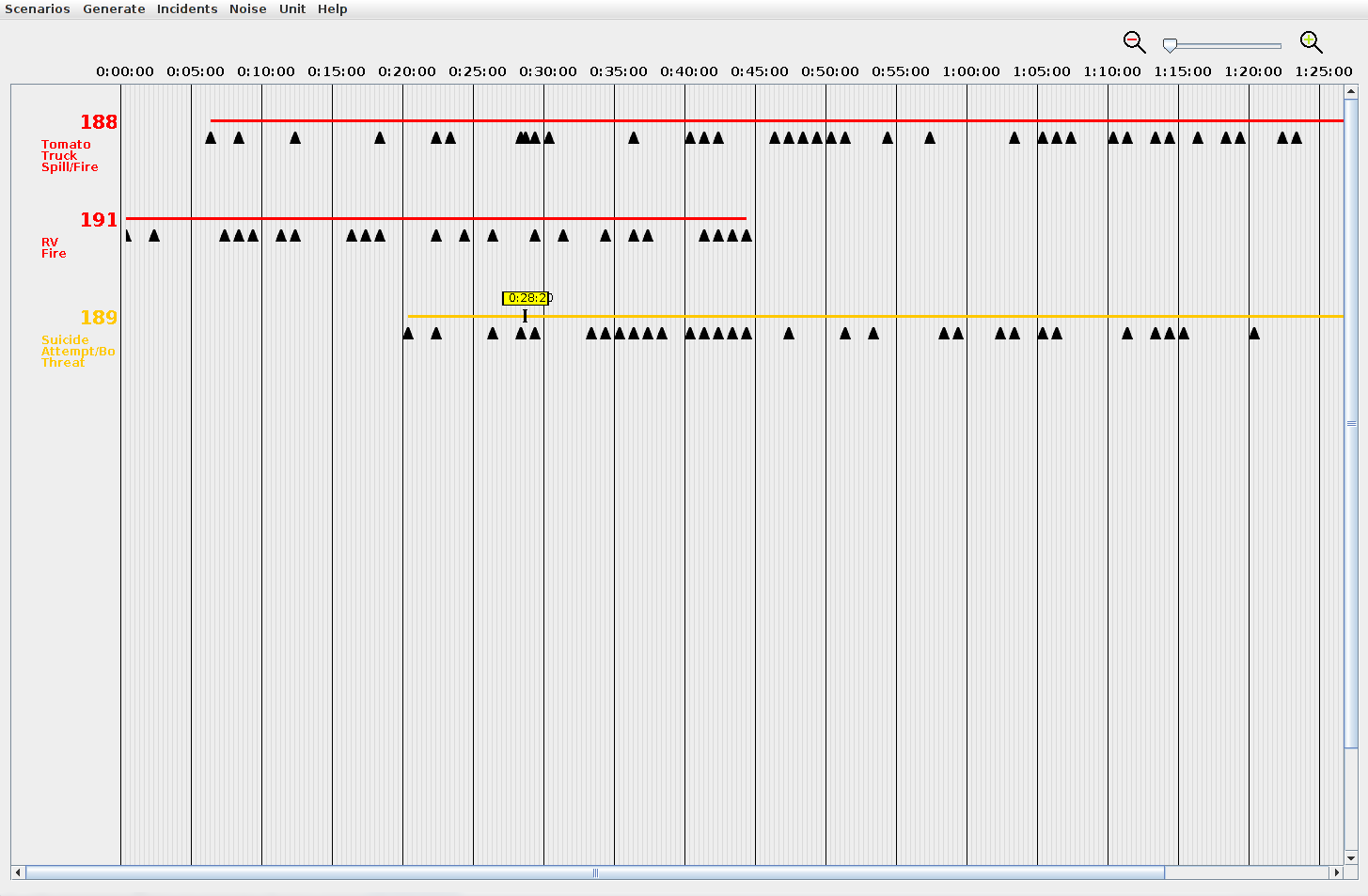
Overview Window

Stage 1|(01/29/20)

Creating a new Incident
  Incident Properties Dialog
  Incident Editor Window
  The Timeline
  Adding the first event

Stage 1.5|(02/05/20)

  Event Editor Window
  Adding more events
  Revising an Event
  Changing an event's time

Stage 2|(02/12/20)

  Modifying an Incident's timeline
        Add time to start or end
        Add or remove time from middle

Saving a Scenario
Opening an existing Scenario

Incident Pool Concept
Loading an Incident from the Incident Pool
Incident Pool Window

Stage 3|(02/19/20)

Saving a single Incident
  This saves WITHOUT units, is that correct?  Explain implication: won't run properly in Sim Mgr.

Loading Additional Units
  How default units are used.
  Why additional units may be needed.

Stage 4|(02/26/20)
Attachments
-
scriptOverviewWindow.png
 (17.0 KB) -
added by sdanthin 6 years ago.
(17.0 KB) -
added by sdanthin 6 years ago.
Image of script overview window with some example incidents placed.
-
incidentEditorOverviewWindow.png
(80.8 KB) -
added by sdanthin 6 years ago.
-
eventEditorOverviewWindow.png
(33.3 KB) -
added by sdanthin 6 years ago.
-
overviewMenuBar.png
(2.3 KB) -
added by sdanthin 6 years ago.
-
overviewTimeline.png
(2.7 KB) -
added by sdanthin 6 years ago.
-
overviewScenarioMenu.png
(5.0 KB) -
added by sdanthin 6 years ago.
-
overviewIncidentMenu.png
(4.1 KB) -
added by sdanthin 6 years ago.
-
overviewUnitMenu.png
(2.2 KB) -
added by sdanthin 6 years ago.
-
overviewRightClickMenu.png
(2.5 KB) -
added by sdanthin 6 years ago.
-
incidentPropertiesWindow.png
(11.5 KB) -
added by sdanthin 6 years ago.