| Version 1 (modified by jdalbey, 6 years ago) (diff) |
|---|
Script Builder tutorial
OUTLINE

Background
  Prerequisites: What the Simulation Manager does.
  How an incident script is structured.
  Major script builder features.

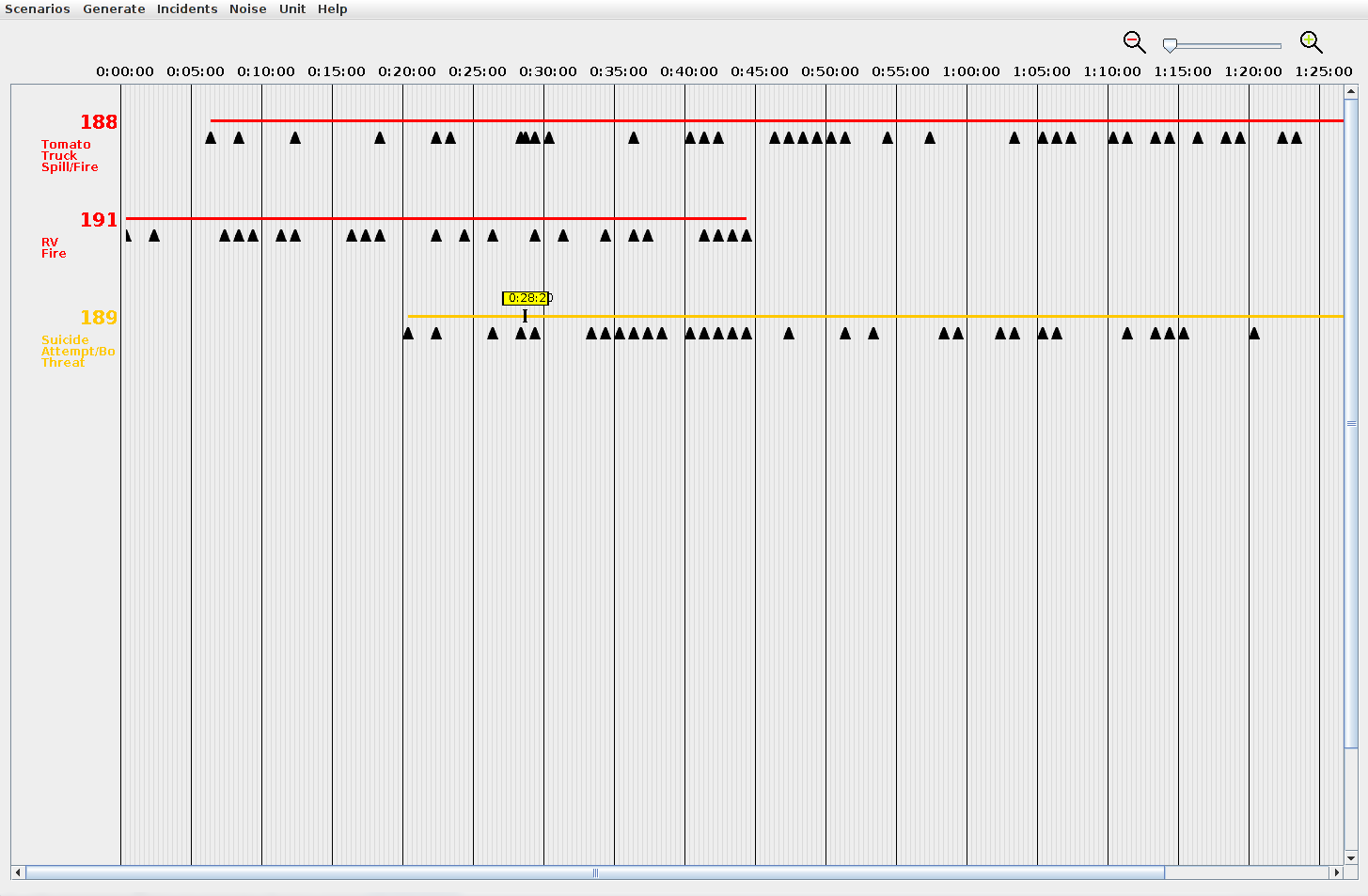
Overview Window

Creating a new Incident
  Incident Properties Dialog
  Incident Editor Window
  The Timeline
  Adding the first event
  Event Editor Window
  Adding more events
  Revising an Event
  Changing an event's time

  Modifying an Incident's timeline
        Add time to start or end
        Add or remove time from middle

Saving a Scenario
Opening an existing Scenario

Incident Pool Concept
Loading an Incident from the Incident Pool
Incident Pool Window

Saving a single Incident
  This saves WITHOUT units, is that correct?  Explain implication: won't run properly in Sim Mgr.

Loading Additional Units
  How default units are used.
  Why additional units may be needed.
Attachments
-
scriptOverviewWindow.png
 (17.0 KB) -
added by sdanthin 6 years ago.
(17.0 KB) -
added by sdanthin 6 years ago.
Image of script overview window with some example incidents placed.
-
incidentEditorOverviewWindow.png
(80.8 KB) -
added by sdanthin 6 years ago.
-
eventEditorOverviewWindow.png
(33.3 KB) -
added by sdanthin 6 years ago.
-
overviewMenuBar.png
(2.3 KB) -
added by sdanthin 6 years ago.
-
overviewTimeline.png
(2.7 KB) -
added by sdanthin 6 years ago.
-
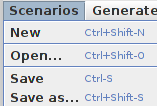
overviewScenarioMenu.png
(5.0 KB) -
added by sdanthin 6 years ago.
-
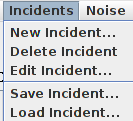
overviewIncidentMenu.png
(4.1 KB) -
added by sdanthin 6 years ago.
-
overviewUnitMenu.png
(2.2 KB) -
added by sdanthin 6 years ago.
-
overviewRightClickMenu.png
(2.5 KB) -
added by sdanthin 6 years ago.
-
incidentPropertiesWindow.png
(11.5 KB) -
added by sdanthin 6 years ago.